.png)
Macworld
Apple, once a company focused on selling hardware, these days sells more subscriptions than ever before. These run the gamut from entertainment services to premium technical support, cloud storage, and creativity tools.
With so many options available, some users may be confused about which ones are worth the price of the subscription. Macworld is here to help. Read on as we break down all of Apple’s services and subscriptions available in 2026, what each one includes, and most importantly, who should (and who shouldn’t) pay for them.
Apple Music
This is one of Apple’s oldest subscription services. Apple Music subscribers have access to a catalog of millions of songs, which can be streamed or even downloaded for offline playback. With an Apple Music subscription, users can also have their music library synced via iCloud. This means you will always have all your music with you on all your devices, without having to manually add your songs to each one.
But Apple Music isn’t just about listening to songs. For instance, the platform offers Apple Music Sing, a karaoke feature which removes vocals from songs and provides real-time lyrics so you can have fun with friends and family. It also has a catalog of high-definition music videos.
Filipe Esposito / Foundry
Apple Music is available on all Apple devices, from iPhone to Mac, and even Apple Watch. It also works on Android, Windows, and some other devices such as smart TVs and game consoles. Even so, the service is best suited for those deeply immersed in the Cupertino ecosystem, as some features are limited to Apple devices (such as having Spatial Audio on AirPods).
Apple Music costs $10.99/£10.99 per month, while there’s a family plan for sharing with up to five people for $16.99/£16.99. But note that there are various ways to get Apple Music for free.
Apple TV
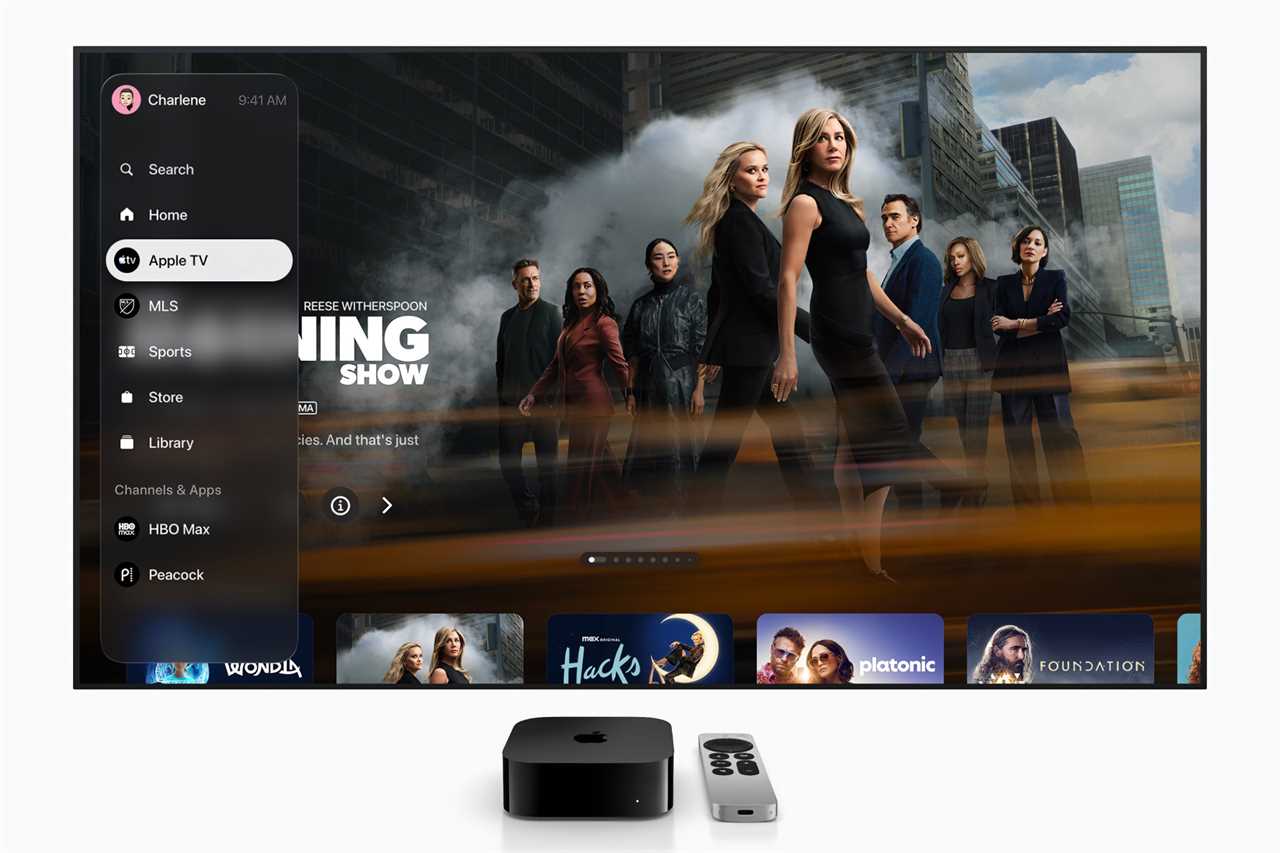
Introduced in 2019, Apple TV (formerly known as Apple TV+) is the company’s streaming platform for movies and TV shows. Unlike Amazon and Netflix, Apple TV initially offered original exclusives only, but the company later expanded its catalog by licensing some older content.
Apple TV includes popular and award-winning movies and shows such as Pluribus, Ted Lasso, Severance, The Morning Show, For All Mankind, and F1 The Movie. You can watch the content on iPhone, iPad, Mac, Apple TV, Vision Pro, as well as Android and Windows devices, and even smart TVs and gaming consoles. That means even if you don’t have any Apple devices, you can still enjoy all the benefits of Apple TV.
Apple TV costs $12.99/£9.99 per month, and you can share it with up to five other people at no additional cost. Keep in mind that the subscription doesn’t give you access to third-party content available on the Apple TV app, which can be purchased separately. As with Apple Music, there are ways to get Apple TV for free.
Apple
To consider: Apple Music and TV for students
If you’re a student, you may be eligible to get both the above services at a discounted price. Students can subscribe to Apple Music for just $5.99/£5.99 per month, and the subscription comes with Apple TV included at no extra cost.
While Apple says this is a special limited-time offer, it has been available for quite some time. It’s definitely worth checking out if you’re only interested in these two subscriptions.
Apple Arcade
If you like to play games in your spare time, Apple Arcade is the service for you. The subscription lets you play a wide range of games on the iPhone, iPad, Mac, Vision Pro, and even Apple TV. There are hundreds of games available, and they can be played offline. Plus, the games have no ads.
On Apple Arcade, you can find popular and fun titles such as Sneaky Sasquatch, Goat Simulator, Mini Motorways, Subway Surfers, Crossy Road Castle, Snake.io, Balatro, Angry Birds, NBA 2K26, and Hello Kitty Island Adventure. It’s perfect for casual gamers and families with children, as there are so many ad-free titles with zero in-app purchases aimed at kids; last year we argued that it’s the best Apple service you’re not using. However, if you’re a PC or console gamer, keep in mind that you’ll struggle to find any AAA titles.

David Price / Foundry
The Apple Arcade subscription costs $6.99/£6.99 per month and can be shared with up to five other people at no additional cost. The subscription becomes more compelling when you have an iPad, Mac, or Apple TV to play games on bigger screens.
Apple Fitness+
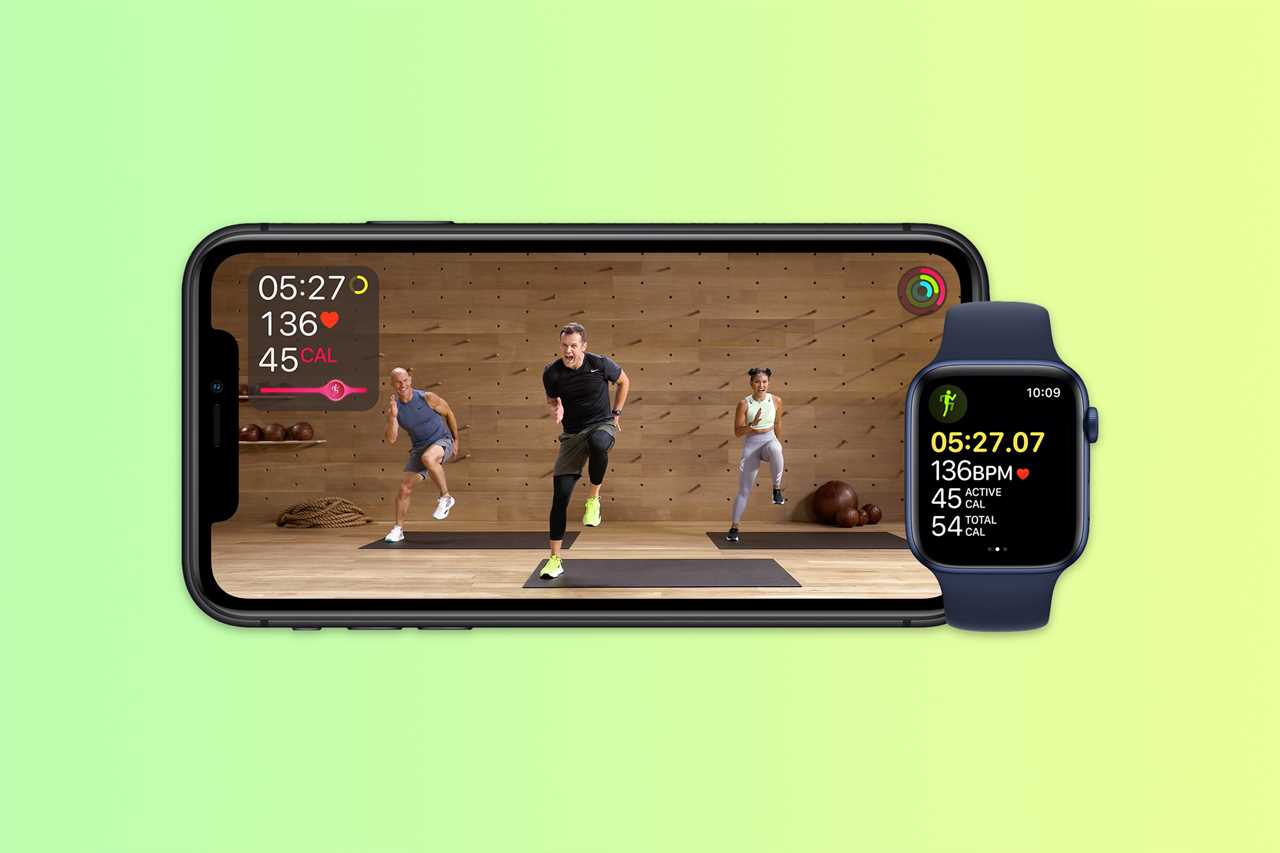
Built into the Apple Fitness app, Apple Fitness+ is a subscription service that provides access to multiple guided video workouts, including strength training, HIIT, yoga, and meditation. It’s like having a personal trainer with you all the time, whenever you need them. New video classes are added every week, so there’s always something new to help with your fitness routine.
Apple Fitness+ is available on iPhone, iPad, Apple TV, and Apple Watch. However, Apple Watch users can get more out of it since the app shows the watch’s health metrics in real time during guided workouts. If you haven’t got an Apple Watch, you can also get real-time health metrics when exercising by using the AirPods Pro 3 or Powerbeats Pro 2.
Subscribing to Apple Fitness+ costs $9.99/£9.99 per month, and you can share your subscription with up to five members of your family at no additional cost. It’s the perfect companion for Apple Watch owners. If you don’t have one, you should probably skip it.
Apple
Apple News+
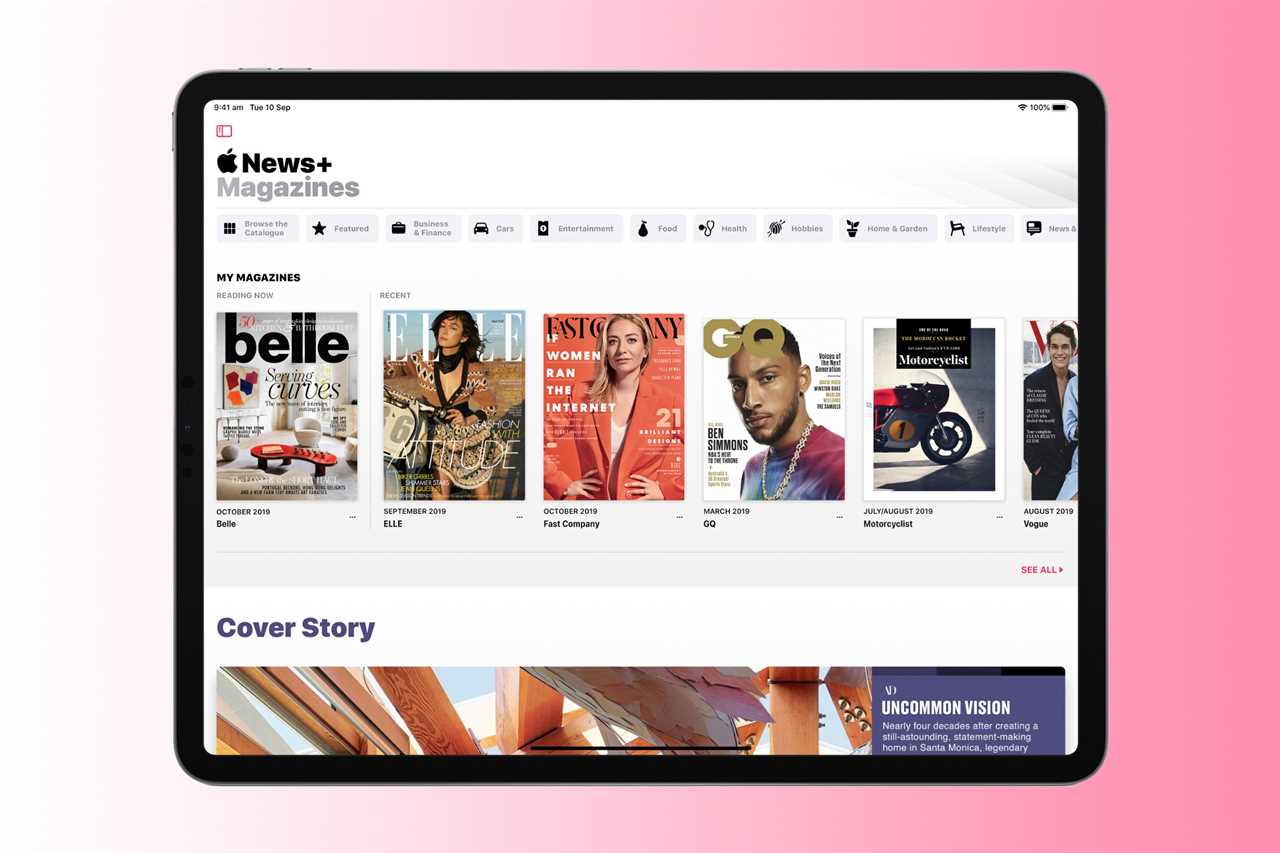
While the Apple News app functions as a free news aggregator, the Apple News+ subscription service takes the experience even further with access to magazines, paywalled news outlets, and audio stories. All ad-free.
On Apple News+, you’ll find major publications such as National Geographic, TIME, People, Vanity Fair, WIRED, The New Yorker, The Washington Post, and The Wall Street Journal. Plus, subscribers can download news and magazines to read them offline.
Apple News+ costs $12.99/£12.99 per month and can be shared with up to five family members. The app is available on iPhone, iPad, Mac, and Apple Watch.
If you have an iPad (which offers the best reading experience) and are an avid reader of newspapers and magazines, Apple News+ may be an interesting option for accessing a large catalog with no ads or interruptions. Readers who rely on a single news source should probably skip it.
Apple
iCloud+
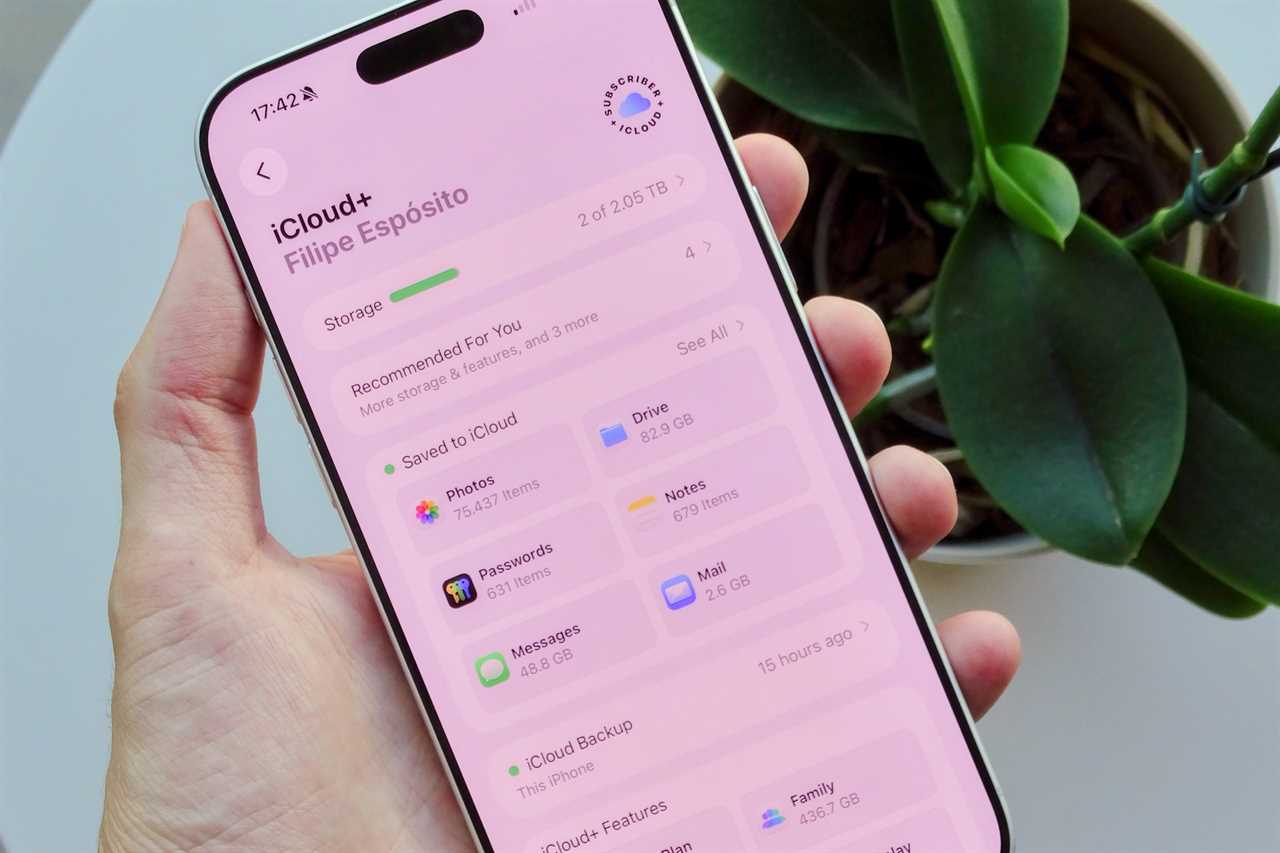
iCloud+ is one of Apple’s most popular services, perhaps because the offering is so practical: cloud storage for backing up and storing data from your Apple devices.
The free version of iCloud gives you just 5GB of storage per user (not even 5GB per device), which felt stingy a decade ago and certainly isn’t enough now. This is where iCloud+ comes in, giving users more space to store their photos, documents, email, messages, notes, and app data. All of this data can be automatically synced across multiple Apple devices.
Having more iCloud storage is also important for keeping your devices automatically backed up every day, meaning you won’t lose anything if anything goes wrong.
In addition, those who pay for iCloud+ have access to some extra features such as iCloud Private Relay for better protection when browsing the web, Hide My Email for better privacy when signing up for apps and websites, and HomeKit Secure Video to access your HomeKit cameras from anywhere.
Filipe Esposito / Foundry
iCloud+ starts at just $0.99/£0.99 per month for 50GB of storage. There are also plans with 200GB ($2.99/£2.99), 2TB ($9.99/£8.99), 6TB ($29.99/£26.99), and 12TB ($59.99/£54.99): check out the full range of pricing for more information. iCloud+ storage and benefits can be shared with up to five other people.
An iCloud+ subscription is recommended for anyone with an iPhone, iPad, or Mac, but becomes especially valuable if you own multiple devices. If you’re unsure, read this list of iCloud+ tips and tricks to see how you can get the most out of the service.
Apple One: The best deal
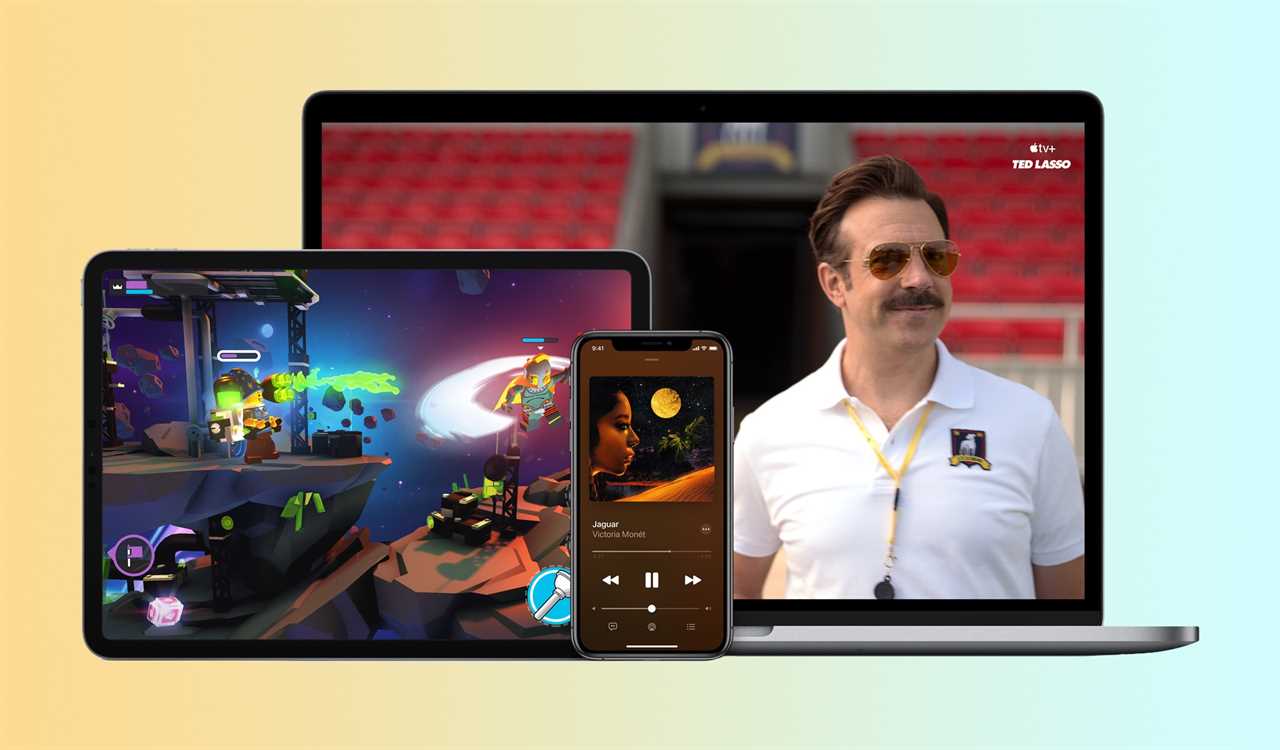
With Apple One, you can gain access to all of Apple’s online services without having to subscribe to each one individually. And, most appealingly, you’ll get a discounted price compared to paying for each one separately.
However, it’s very important to note that the basic version of Apple One doesn’t include Fitness+ and News+. The Apple One Individual plan includes four out of the six services discussed above:
- iCloud+ (50GB)
- Apple TV
- Apple Music
- Apple Arcade
Normally, you would spend $31.96/£28.96 per month if you paid for each of these services individually. However, with Apple One, you get them all for just $19.95/£18.95. That’s a monthly saving of $12 in the U.S., or £10 in the U.K.
If you want to share your subscription with others, you can get a Apple One Family plan with the same services, plus 200GB of iCloud+ storage instead of the 50GB you get with the Individual plan. It costs $25.95/£24.95 per month and can be shared with up to five people.
And if you’re fully immersed in the Apple ecosystem and want access to absolutely all of the subscription services provided, Apple One Premier is the right choice for you. It includes:
- iCloud+ (2TB)
- Apple TV
- Apple Music
- Apple Arcade
- Apple Fitness+
- Apple News+
Rather than paying $63.94/£59.94 per month for all these services individually, you can get them for just $37.95/£36.95 per month with Apple One Premier.
Apple One is the perfect subscription for those considering at least two of Apple’s services. For example, if you wanted both Apple Music and Apple TV, that would cost you $23.98 per month. That’s already $4.03 more than the Apple One Individual plan costs, making Apple Arcade and the extra cloud storage a free bonus. Plus, here are 5 awesome Apple One perks you’re probably missing out on.
Apple
Apple Creator Studio: A great suite for Mac users
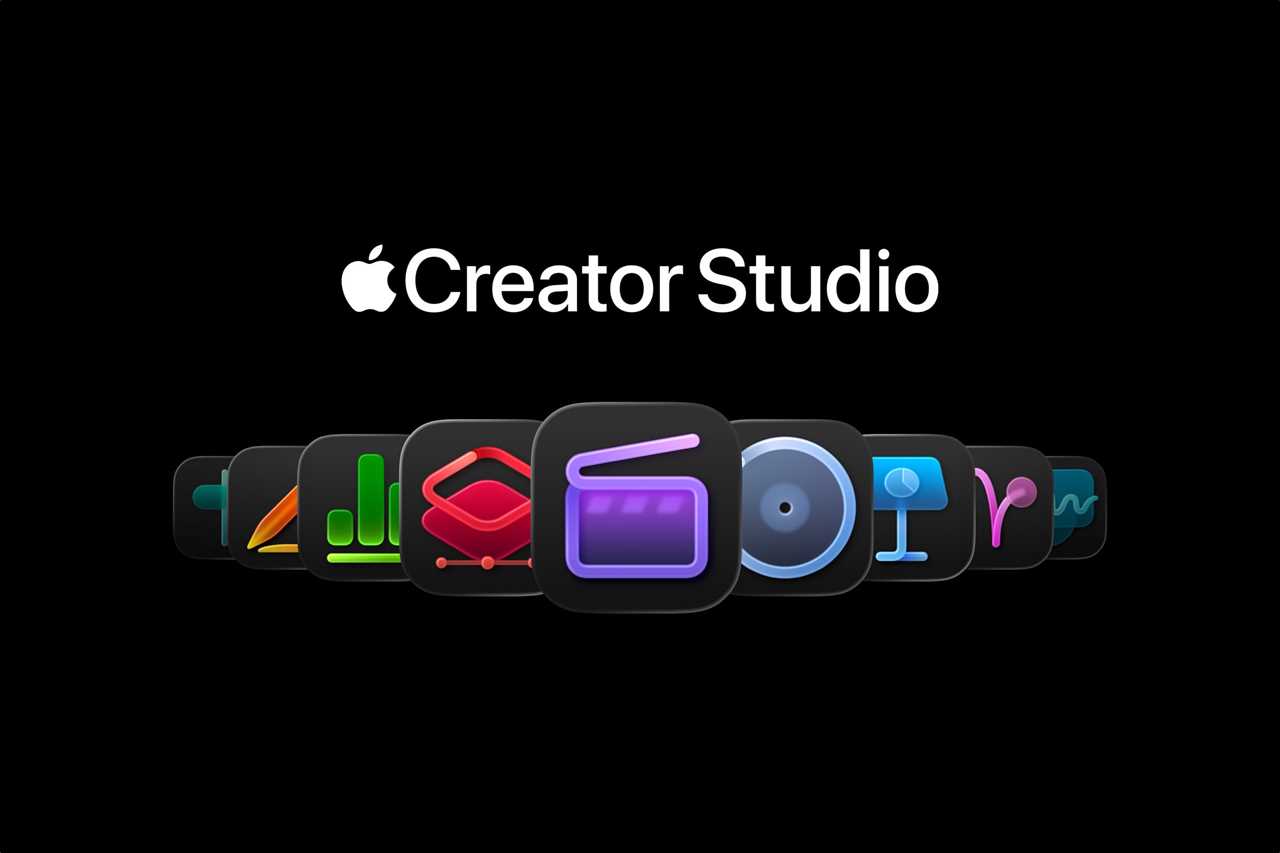
The newest addition to the family is Apple Creator Studio, a new bundle that brings together all of Apple’s productivity and editing apps under one subscription. There are tools for editing video, audio, and images.
These are the apps included with Apple Creator Studio:
- Final Cut Pro
- Logic Pro
- Pixelmator Pro
- Motion
- Compressor
- MainStage
In addition, those who subscribe to Apple Creator Studio will unlock exclusive features for apps such as Keynote, Pages, Numbers, and Freeform. This includes AI tools for creating documents and a hub with photos, graphics, and illustrations that can be used in any project.
While Apple Creator Studio provides tools for both Mac and iPad, most of the apps in this bundle are only available for macOS. In addition, there are no Apple Creator Studio apps for iPhone. It’s a harsh reality for mobile creators.
The Apple Creator Studio subscription costs $12.99/£12.99 per month, or $129/£129 per year. Students and teachers can subscribe for just $2.99/£2.99 per month. For comparison, Final Cut Pro alone costs $299.99/£299.99 on the Mac App Store.
Whether you’re a professional or someone who wants to become a creator, Apple Creator Studio is certainly a tempting bundle, especially if you have a Mac. Final Cut Pro, Logic Pro, and Pixelmator Pro are some of the best video, audio, and image editing software you can get. But if you’re a mobile-first creator, you should look for alternatives that are available on the iPhone.
AppleCare+
Whether you consider yourself clumsy or just don’t want to worry about your Apple devices, AppleCare+ has you covered.
AppleCare+ plans essentially offer extra protection for your Apple products: not only an extended warranty, but also coverage for accidental damage and even loss or theft. If something happens to your device, you only pay a small fee to Apple to have it repaired or replaced.
In the U.S., there are two different AppleCare plans. AppleCare+ with Theft and Loss covers what we mentioned earlier: accidental damage, theft, and loss. You also get extended support from Apple. AppleCare+ with Theft and Loss only covers one device per subscription, and prices start at $9.99 per month or $99.99 per year; it gets more expensive depending on the device you have. (In the U.K., prices start at £7.99 per month or £159 for two years.)
Apple
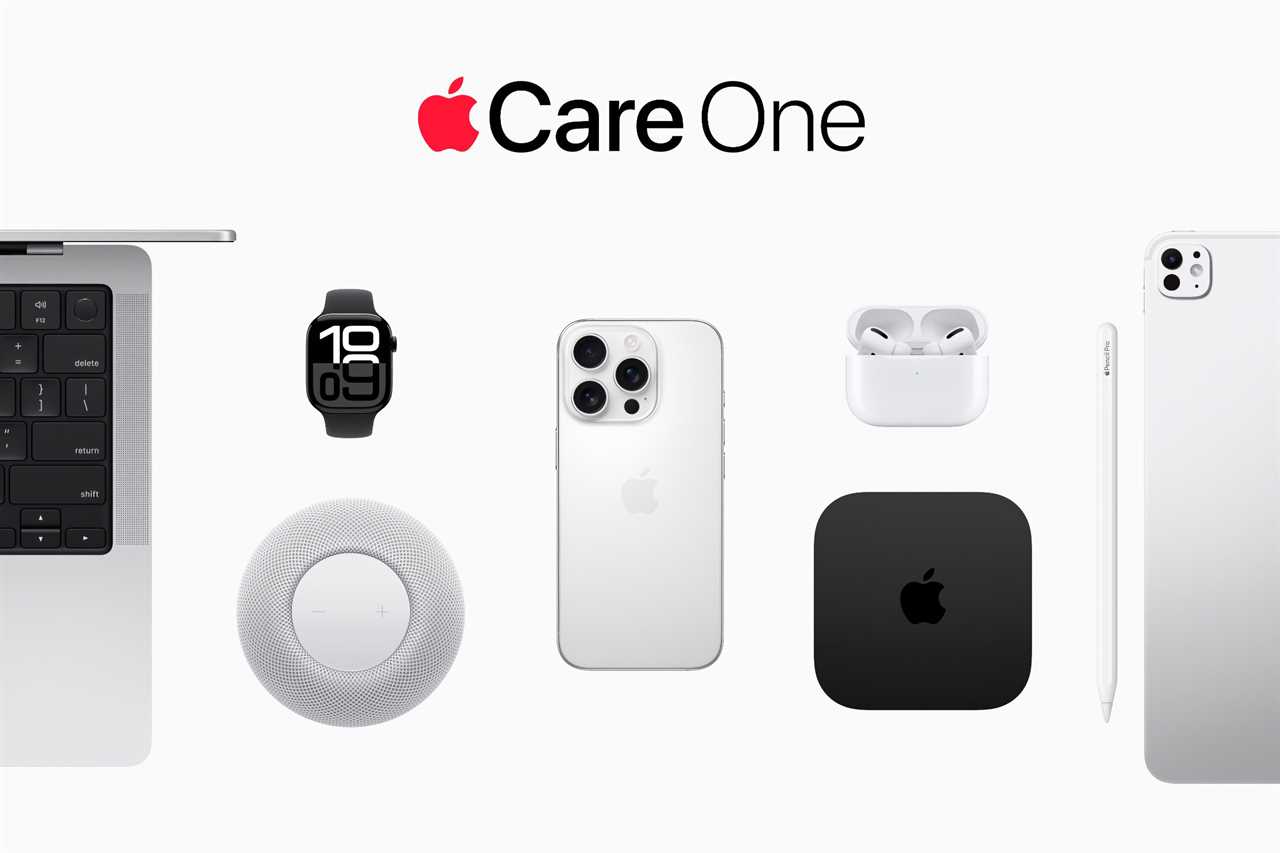
More recently, Apple introduced AppleCare One, which covers not just one, but up to three products at a reduced price. The subscription starts at $19.99 per month and offers all the benefits of AppleCare+ with Theft and Loss. And if you have more than three devices, you can add more products to your coverage for an extra $5.99.
AppleCare+ is available for pretty much every Apple device, including iPhone, iPad, Mac, Apple Watch, and accessories such as AirPods, Apple TV, and HomePod. Theft and loss protection is only available for iPhone, iPad, and Apple Watch.
AppleCare+ isn’t exactly something you need, and in fact you may never benefit from what it offers. However, once again, if you want to use your device without having to worry about accidental damage or other types of incidents, it’s a small price to pay to ensure you’ll have support in such cases. And if you’ve been considering getting an AppleCare plan, AppleCare One is probably the way to go if you have two or more Apple devices.
Which ones should I subscribe to?
As you can see, there are lots of Apple subscription services available, and we’ve tried to give you plenty of detail about them all. But if you’re still unsure about which ones are worth subscribing to, here’s our verdict.
Best for the average user: If you’re a regular user who doesn’t care much about these services or already uses other streaming platforms, you should at least consider subscribing to iCloud+ to keep your devices automatically backed up and all your data synced.
Best for students: There’s no question about it: the Apple Music and Apple TV student plan is an excellent deal. At $5.99/£5.99 per month, it’s definitely worth subscribing to these apps. And if you need iCloud, you can get an iCloud+ plan separately.
Best for families or owners of multiple Apple devices: In this case, Apple One is definitely the best choice. You’ll get everything Apple has to offer at a lower price. Plus, you can even share your plan with up to six people if they also own Apple products.
Best for professionals: If you’re a professional, especially a creator working with a Mac, there’s no question here. Go with the new Apple Creator Studio, which will give you access to many great tools for creating and editing. You should also consider upgrading to a higher-tier iCloud+ plan with more storage, or even consider an Apple One plan. (Apple doesn’t currently bundle Apple One and Creative Studio in a single subscription.)
One you should consider: Having an AppleCare+ plan for your devices can save you a lot of hassle if you ever drop your iPhone, spill liquid on your Mac, or have a device stolen. We never think about these things, but if that day comes, Apple will help you get your device replaced without having to spend a lot of money to buy a new one.
The subscriptions that aren’t worth it
Services such as Apple Arcade, Apple Fitness+, and Apple News+ aren’t bad, but they’re not worth it considering their respective individual subscriptions. If you really want these services, consider subscribing to an Apple One plan instead, so you can enjoy all the others too and get value for money.
Read More
Title: Apple Services explained: What to buy and what to avoid
Sourced From: www.macworld.com/article/3044535/apple-services-explained-music-tv-arcade-news-fitness-icloud-creator-studio.html
Published Date: Fri, 22 May 2026 11:38:26 +0000
Did you miss our previous article...
https://trendinginbusiness.business/technology/the-download-codings-future-the-steroid-olympics-and-aidriven-science