.png)
Macworld
When Apple launched Final Cut Pro for iPad almost two years ago, I really wanted it to work. The macOS version already serves me very well, but it would be quite nice to be able to start projects on my iPad and finish them on my Mac if necessary. I tried it back then, ran into its limitations, and moved on.
Now with Apple Creator Studio, I decided to give Final Cut for iPad another try. Two years later, I realize that the problem isn’t just that Final Cut for iPad hasn’t improved. The problem is that Apple still hasn’t figured out how to actually make proper “pro” apps for the iPad.
‘Pro’ apps constrained by iPadOS
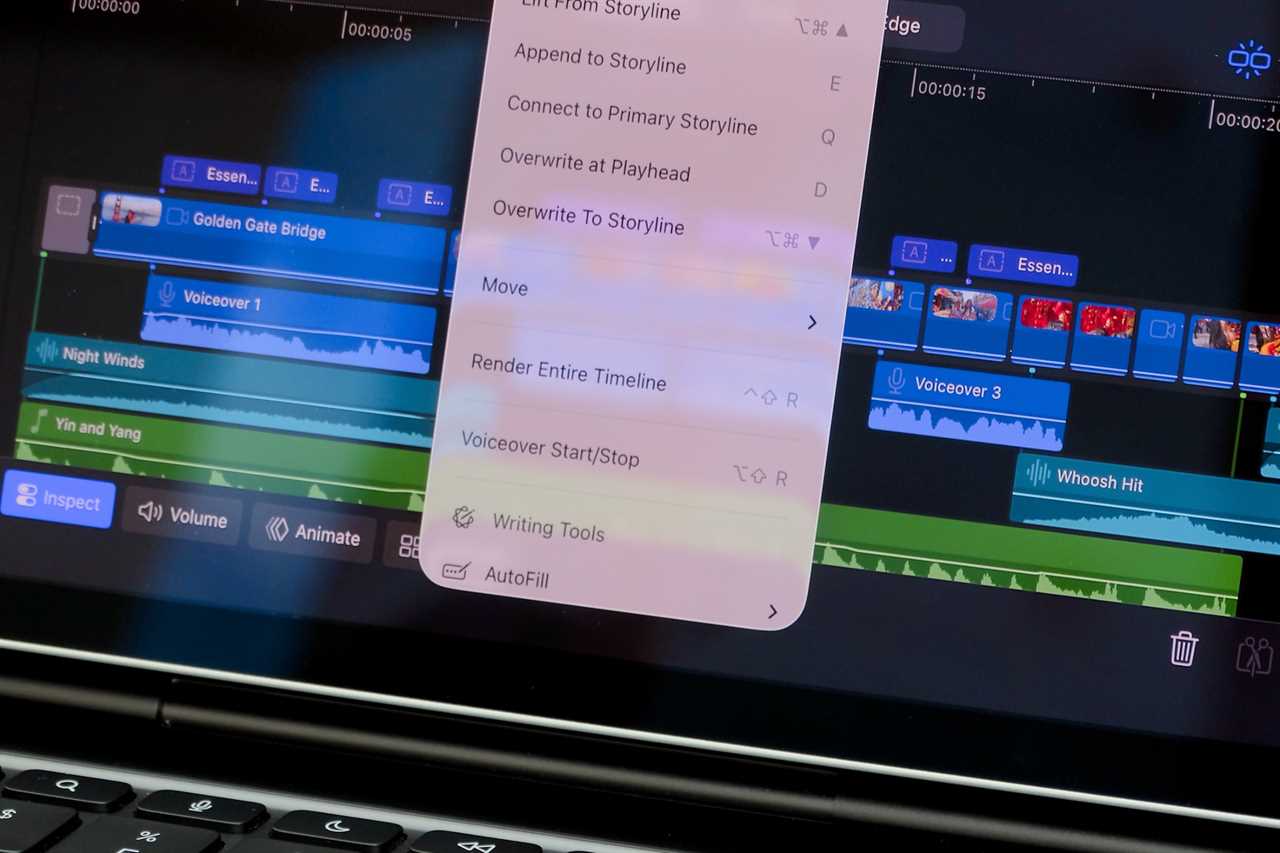
Even after its Creator Studio updates, Final Cut Pro for iPad still feels like a secondary, companion experience compared to the Mac app. Many core features are still missing, others are simplified, and some workflows are limited by iPadOS itself.
If you expect to have a full Mac experience on the iPad, you’ll likely end up as frustrated as I did. Keyboard shortcuts, essential for speeding up editing, are inconsistent on the iPad. Some work, some don’t, which ruins muscle memory for those already familiar with the Mac version.
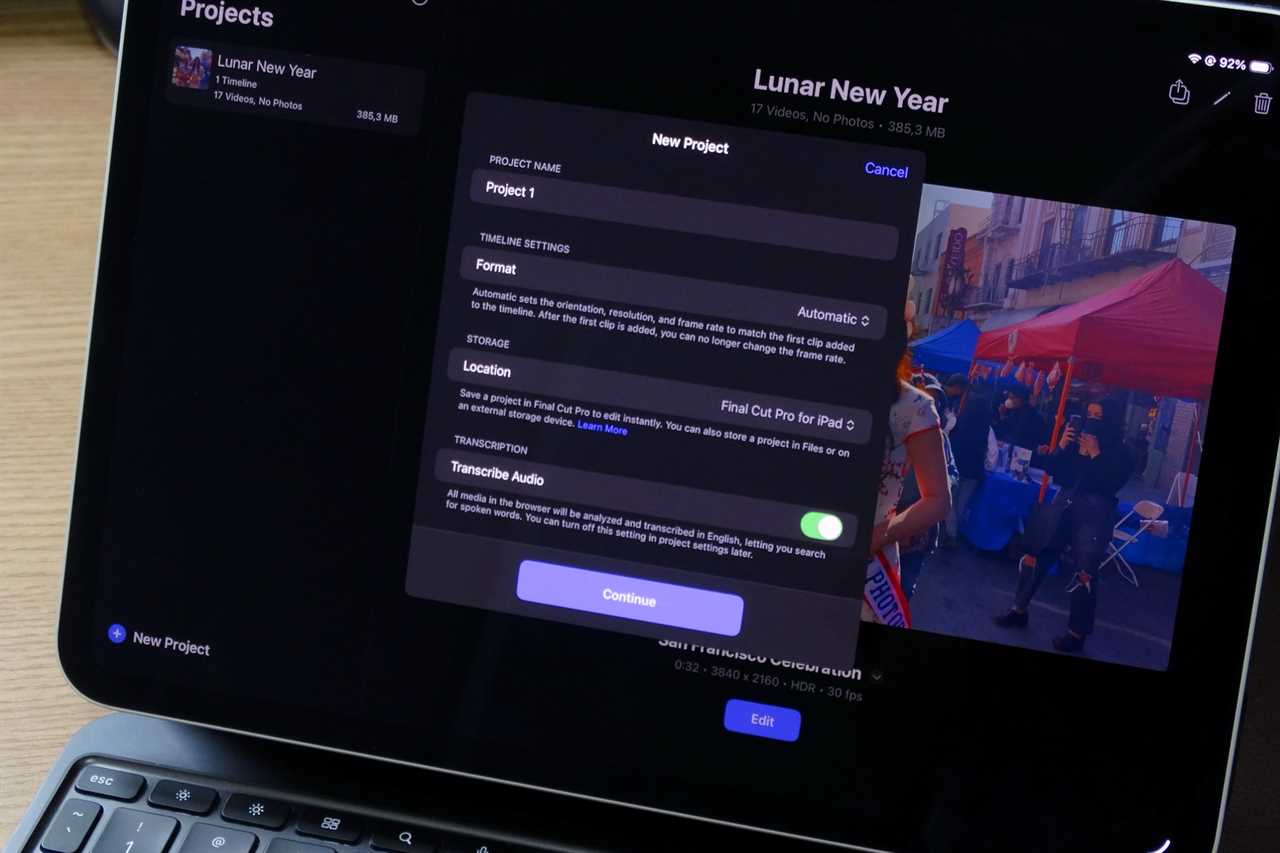
Working with the Final Cut Pro library on the iPad isn’t as easy as it is on the Mac.
Foundry
Then there’s file management, which exposes one of iPadOS’s biggest limitations. On the Mac, users can freely reorganize, move, or back up their Final Cut library. You can even create multiple libraries for different projects if you want.
But iPadOS handles file management very differently from macOS. All apps run in a sandbox, so they can’t really access other parts of the system. While this is good for privacy and security, it’s terrible for Final Cut and other pro apps.
For example, if I add a clip from the Photos app to Final Cut on iPad, the file is duplicated because it must be added to the sandboxed Final Cut library. On the Mac, Final Cut can use and edit files in their original locations.
What if you need to back up your library? On the iPad, you can’t. Again, because everything is sandboxed, you can’t really access the data from apps. Instead, you need to export each project manually. But if something goes wrong or gets corrupted, and you need to reinstall the app, chances are you’ll lose all your data.
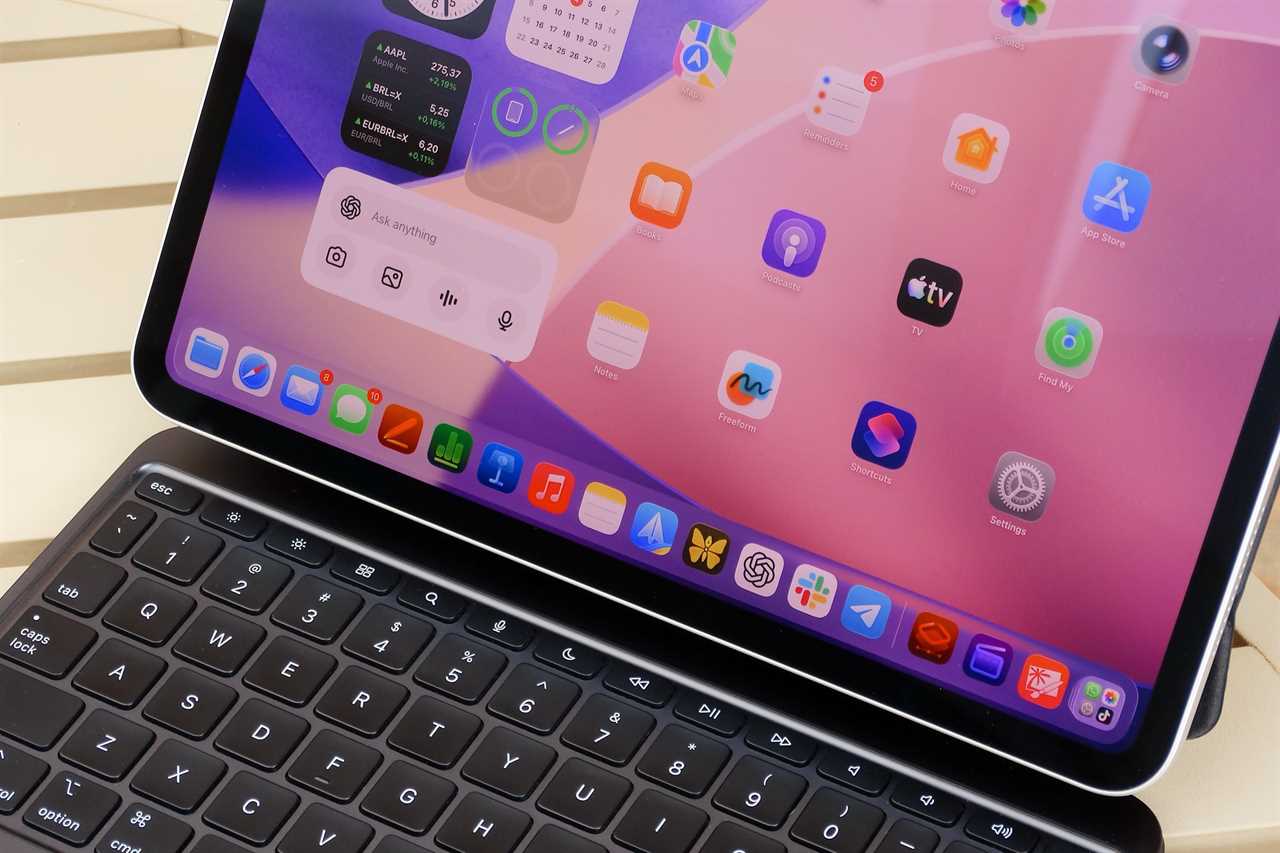
The iPad hardware isn’t the problem—isn’t the constraints of iPadOS.
Foundry
Powerful hardware, restrictive software
This isn’t just a Final Cut Pro issue or even an iPad issue. The latest iPads are powered by the same chips found inside Macs. However, they are far from having the same capabilities. These problems are the result of all the structural limitations of iPadOS.
Another example is Pixelmator Pro, which was exclusive to the Mac and is now on the iPad for the first time with Creator Studio. The app looks a lot like the Mac version, but due to how iPadOS handles RAM management, it has many more limitations.
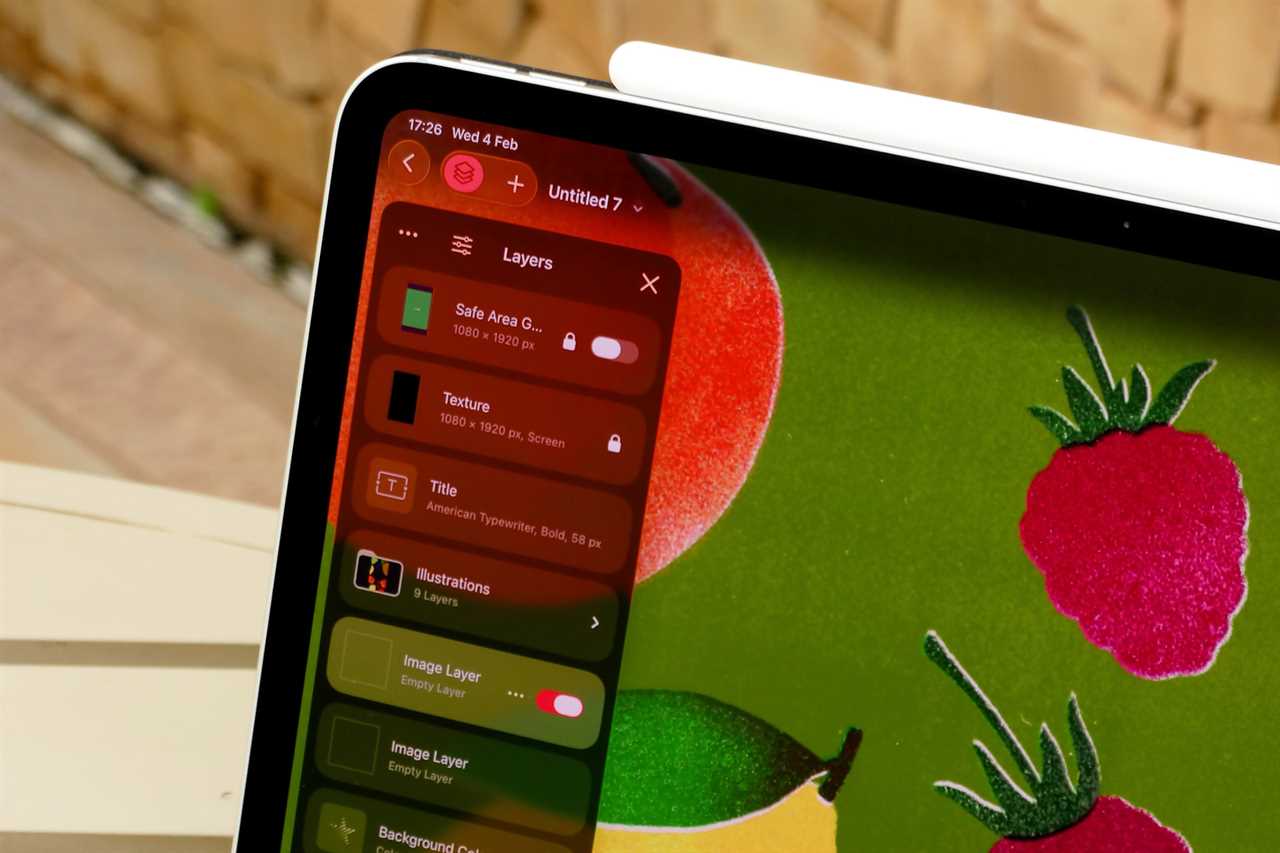
For example, the iPad version struggles to handle large files with multiple layers. While working on a document, I hit a warning message telling me I couldn’t add any more layers to my project, something that doesn’t happen on my Mac.
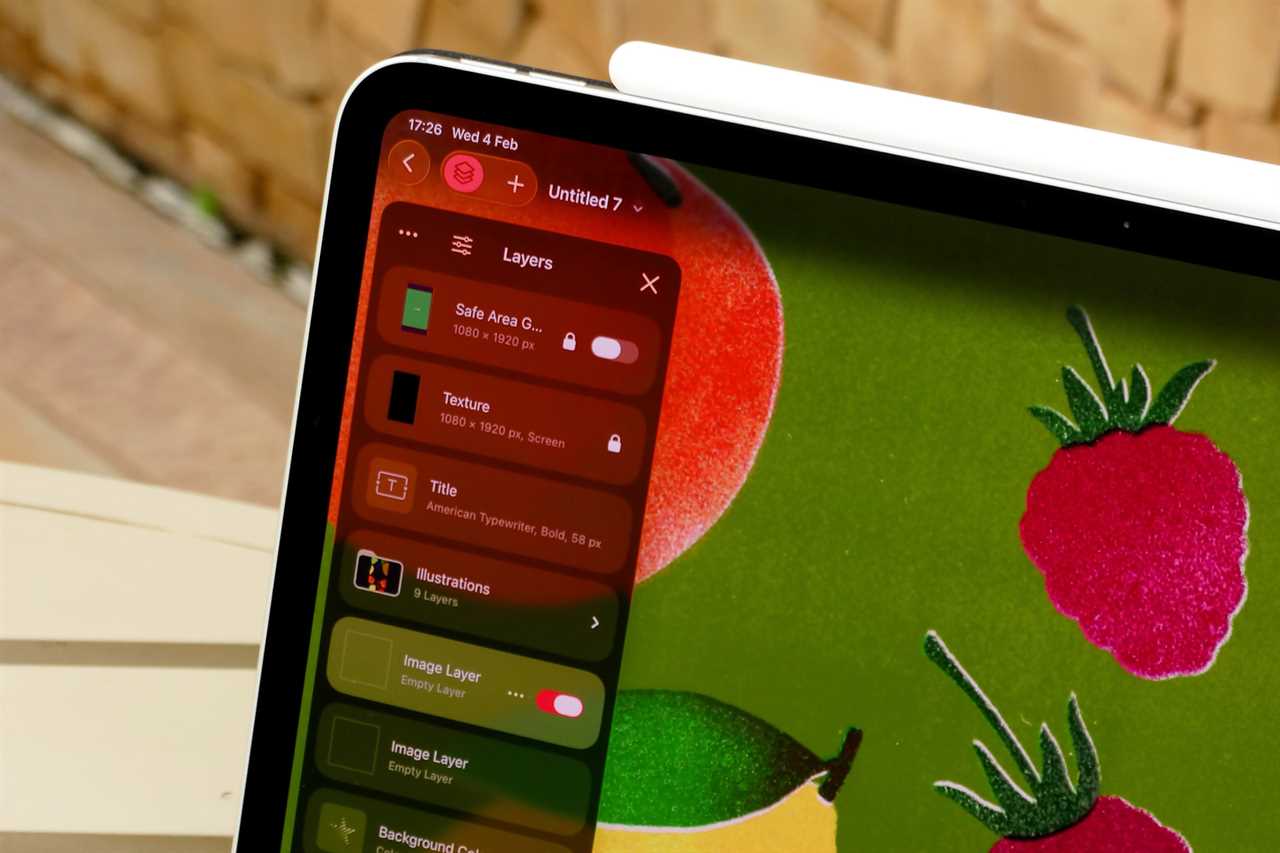
Pixelmator Pro on the iPad pales in comparison to the Mac version.
Foundry
On the iPad, basic features take much longer to arrive, and when they do, they are often limited or implemented in a clunky way. Although iPadOS has had multitasking for years, the ability to keep apps running in the background while they download a file or export a large project was only just added with iPadOS 26.
Still, for some reason, the ability to export videos in the background with Final Cut is only available for iPads with the M3 chip or later (iPad Air and iPad Pro). Even an old Intel Mac lets you export videos in the background.
Mac-like features that are still limited
As iPadOS evolves, Apple has been trying new ways to make it more “pro” and Mac-like. However, the iPad still behaves very differently from a Mac, and in a way that is not very intuitive.
Back to Final Cut, the iPad version now supports external displays, but it’s far from working as well as it does on the Mac. You can’t rearrange the interface and choose what you’ll see on the external display. The only thing the app does is show a preview of the video on the big screen.
Even with the latest improvements, iPadOS continues to hold back the iPad.
Foundry
That’s because support for external displays on the iPad is still quite limited. As an example, although iPadOS 26 added a Menu Bar like on the Mac, there’s no way to keep it always visible on the screen, even on a large monitor. You also can’t do something as basic as resizing the Dock.
And while iPadOS has an API for apps to have multiple windows like on a desktop operating system, Apple’s Pixelmator Pro for iPad is still limited to opening one project at a time.
The Mac is still the clear choice for Pros
These are just a few examples of how Apple itself still limits the iPad to the point that using it as a professional tool is not that appealing.
With Creator Studio, I was really tempted to try to make the iPad more a part of my workflow. But unfortunately, all these restrictions still make the Mac feel easier and simpler to use.
I really hope things change for the better in the future. I get that the iPad needs to be different than the Mac, but it would be great to have more consistency and professional overlap between the two platforms. Until then, if you really have a pro workflow, you should probably stick with the Mac.
Read More
Title: Apple still doesn’t get iPad pros
Sourced From: www.macworld.com/article/3057931/apple-still-doesnt-get-ipad-pros.html
Published Date: Thu, 16 Apr 2026 11:15:00 +0000
Did you miss our previous article...
https://trendinginbusiness.business/technology/satechi-3in1-foldable-wireless-charging-stand-review-25w-update-to-a-wireless-fave